Version 2.1.31
Released on May 17, 2025
Mask Specific Content and Share Securely
Just like before, you can proof documents within Collaborate.
What’s new: You can now select specific areas of a document using a square masking tool, apply a mask to highlight only the content that needs to be shared, and send it to selected participants. A pop-up modal will guide you through naming the mask, adding viewers, and including a personalized message. Each masked view has its own secure share link. Participants will only see the content within the masked area—everything else will be hidden. However, within the visible area, they can still perform all regular actions such as annotations, comments, and other standard proofing activities available in Collaborate.
You can create multiple masks per document, assign different participants to each, and apply masking across multiple pages. This ensures sensitive content remains protected while making the review process precise, secure, and flexible.
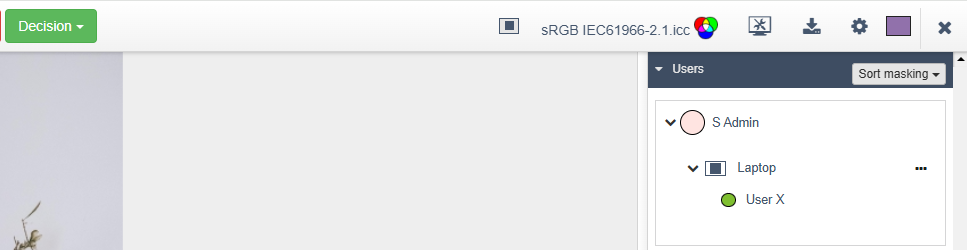
Create masking
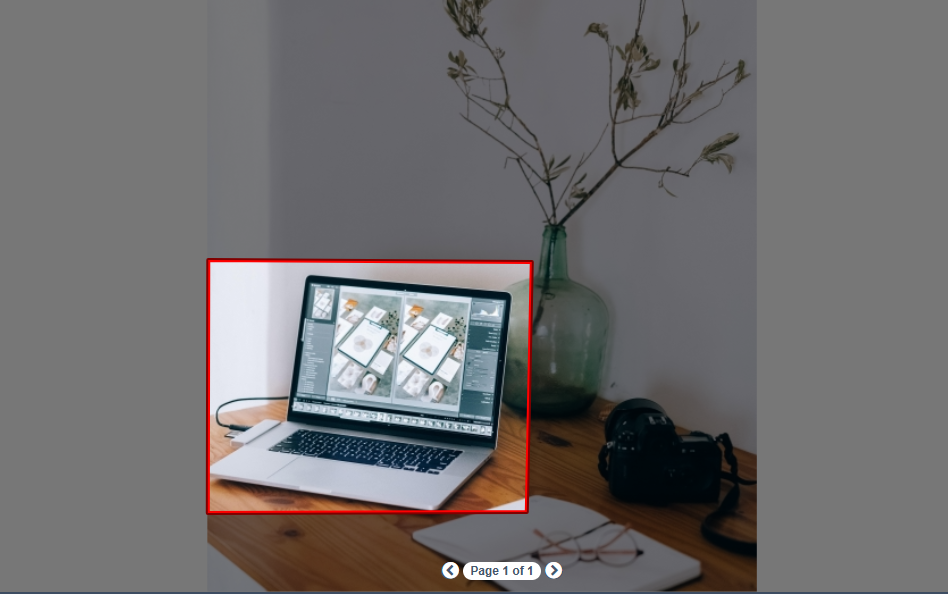
Deactivate User Groups in Collaborate
What’s new: You can now deactivate user groups, even if they’ve been used in live approvals. Deactivated groups are hidden from dropdowns and user selection menus, helping keep your workspace organized without impacting existing or past approval records. Groups can be reactivated at any time if needed.
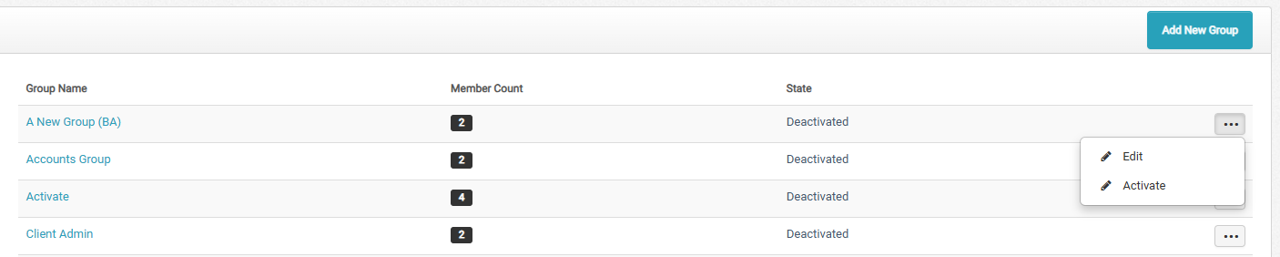
Improved Page Navigation Experience in Document Viewer
What’s new: The document viewer in Collaborate now automatically recalculates the viewport height when the page navigation panel is opened. This ensures that the navigation panel no longer overlaps the approval content being viewed.
The system also triggers a “fit to page” adjustment to maintain proper zoom, so users can begin reviewing or annotating without needing to reposition the document. This enhancement provides a smoother and distraction-free experience during page navigation.
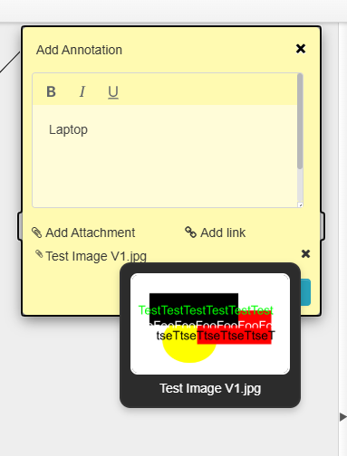
Image Preview on Hover in Proof Studio Attachments
What’s new: When commenting in Proof Studio, users can now preview image attachments such as PNG, JPG, GIF, and other supported formats. Hovering over the file name will display a thumbnail preview along with the file name, helping reviewers quickly identify the content without downloading it.
This enhancement improves visual clarity and makes it easier to navigate and reference attachments while reviewing comments.
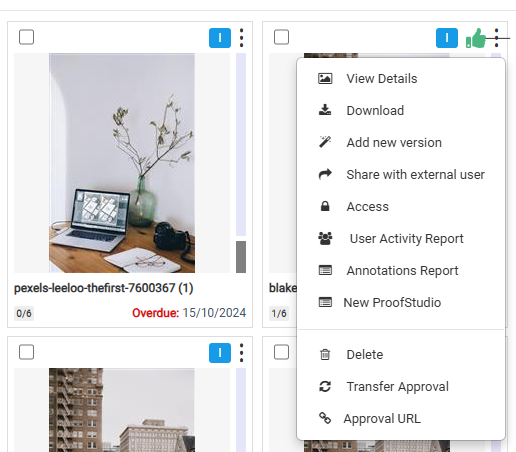
Generate Shareable Links for Approvals
What’s new: Collaborate now allows users to generate a unique shareable link for each approval. These links can be copied and shared across platforms to simplify access and collaboration.
Users who click the link will still need to log in with their credentials, and access is granted only if they are assigned to the approval. If not, they will see a message stating:
“You do not have access to this approval, please contact the approval owner.”
This enhancement improves flexibility while maintaining access control and approval security.
Bug Fixes & Enhancements
Addressed several minor bugs in the system.