Version 4.11.129
Released on January 6, 2025
New PDF Streaming Feature to Prevent Downloads
What’s new: A new PDF streaming feature has been implemented to ensure sensitive documents remain secure within the application. Users can now view PDF files directly in the application without the ability to download, save, or export them. This feature prevents right-click actions, disables common keyboard shortcuts for saving, and restricts other methods (such as developer tools) that could be used to download the file.
This solution guarantees a secure and seamless viewing experience for PDF content, ensuring it is only accessible within the application environment.
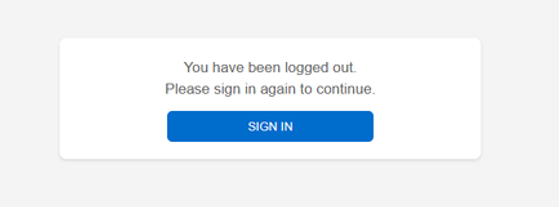
New Custom Logout Page for SSO Integration
What’s new: A new custom logout page has been implemented for users authenticated via Single Sign-On (SSO). When users log out of the application, they are now redirected to a branded logout page instead of the default system page. This page includes a logout confirmation message, a "Login Again" button.
The logout page works seamlessly with the SSO integration, providing a smooth and secure user experience.
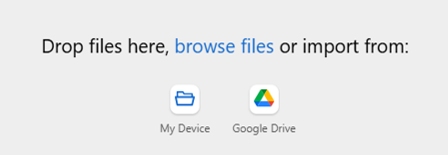
Google Drive Upload with Administrative Controls
What’s new: Users can now upload files directly from Google Drive. A new administrative settings page allows admins to enable or disable this feature, providing control over the integration.
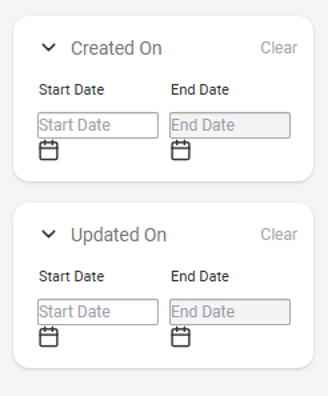
Date Range Filter for Asset Library Search
What’s new: A new date range filter has been added to the Asset Library search. Users can now filter results based on Created Date and Last Updated On by specifying a start and end date, offering more precise control over search results.
Bug Fixes & Enhancements
Various minor bugs have been addressed, resulting in a more stable and efficient system